



Product detail
Improve edges and texture in small product photos.

AI image enhancer for sharper photos
Upload a low-resolution or blurry image and improve clarity for product pages, thumbnails, old photos and design assets.
Before and after
See how small or soft images become more usable for product pages, design work and publishing.
 Before
 After
AfterMake low-resolution images clearer
Recover visible detail and prepare images for larger placements without changing the core composition.
Product detail
Improve edges and texture in small product photos.
Compressed images
Reduce the soft look caused by web compression.
Design and slides
Prepare clearer images for larger canvases and presentations.
Best use cases
See whether this tool matches the image problem you want to fix.
Ecommerce
Make small product photos clearer for zoom views, ads and marketplace listings.
Photo cleanup
Improve low resolution and soft detail before sharing or archiving older images.
Content creation
Prepare blog, YouTube and social thumbnails that stay clearer on larger screens.
Pre-publish cleanup
Fit images into slides, portfolios and landing pages without obvious softness.
Focused on resolution increase, clarity repair, compression cleanup and publishing-ready output.
Increase usable resolution for photos and thumbnails that are too small for final placement. It is useful for product zooms, blog covers, slides and larger web layouts.
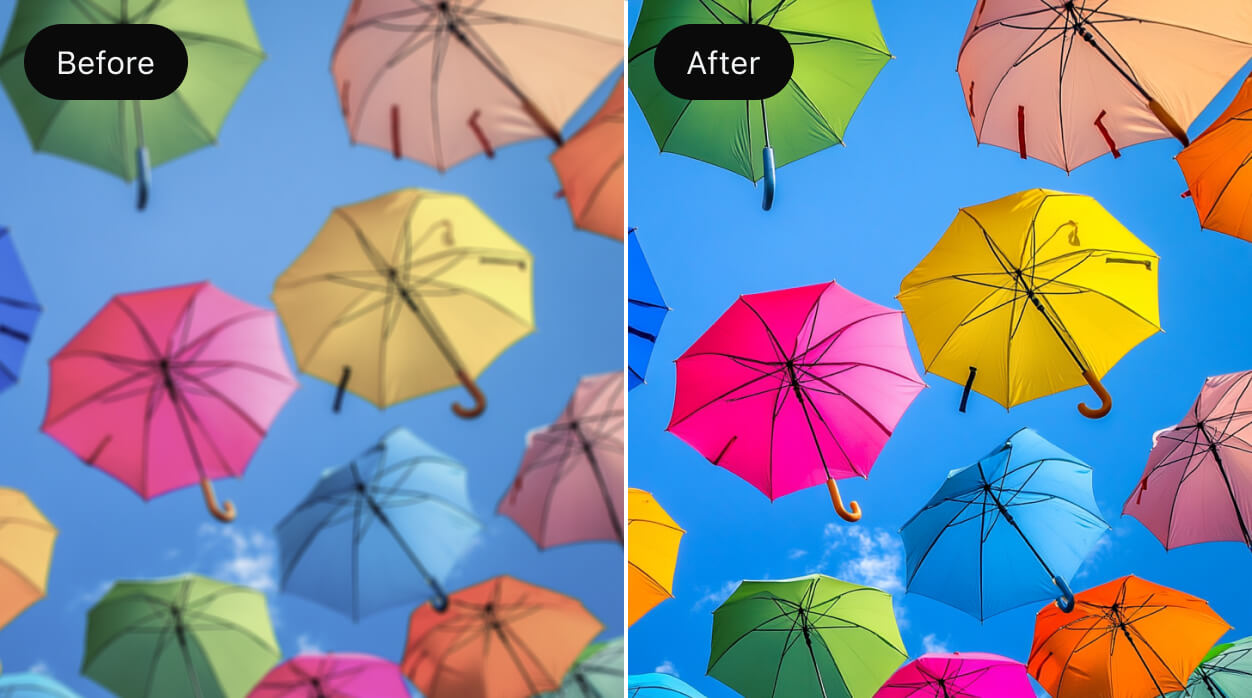
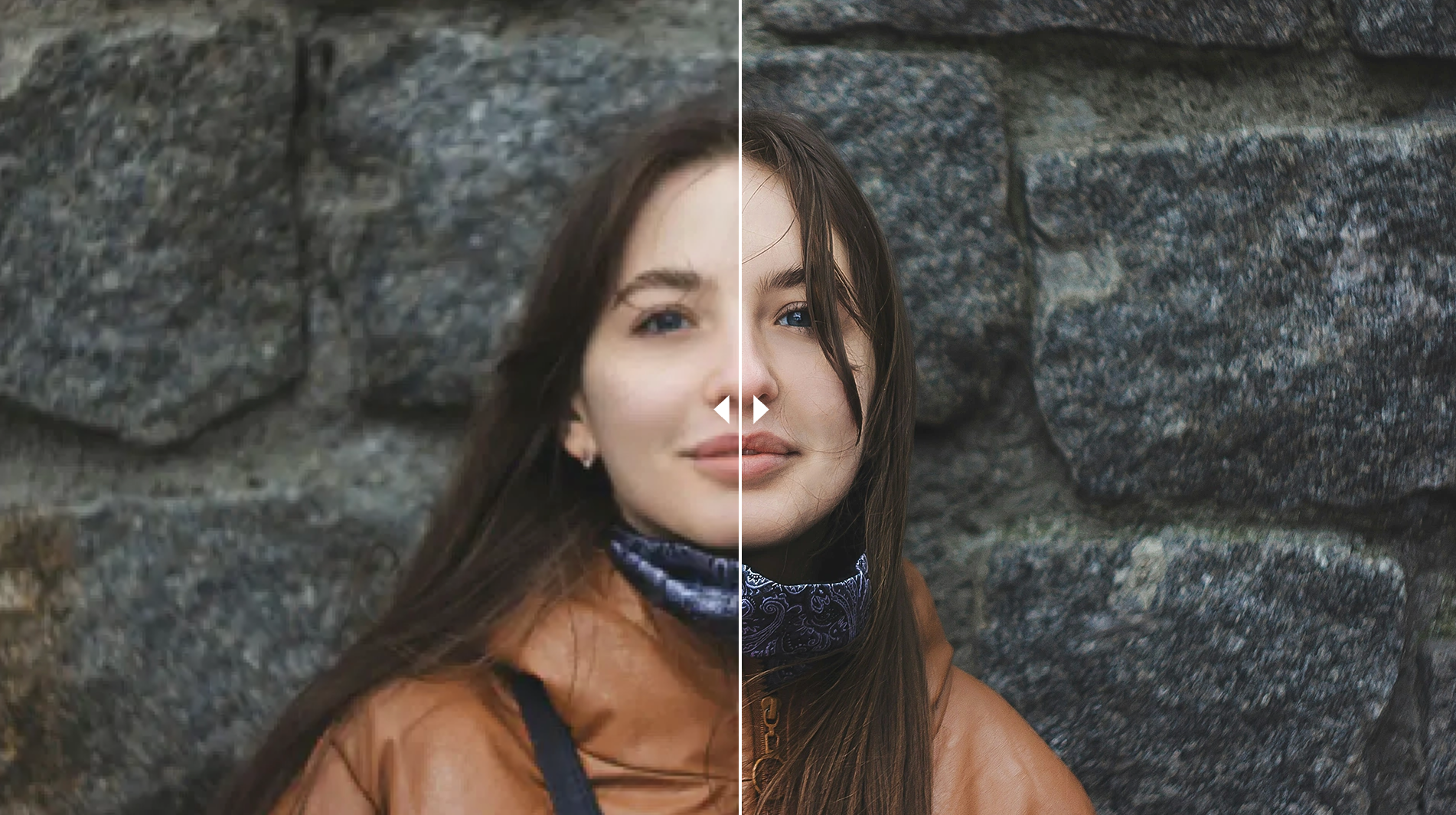
Reduce mild blur, JPEG artifacts and soft texture so old photos, screenshots and social images look clearer before publishing.
Download a larger, clearer result for product pages, portfolios, presentations, social banners and design crops. The goal is clarity, not background removal.
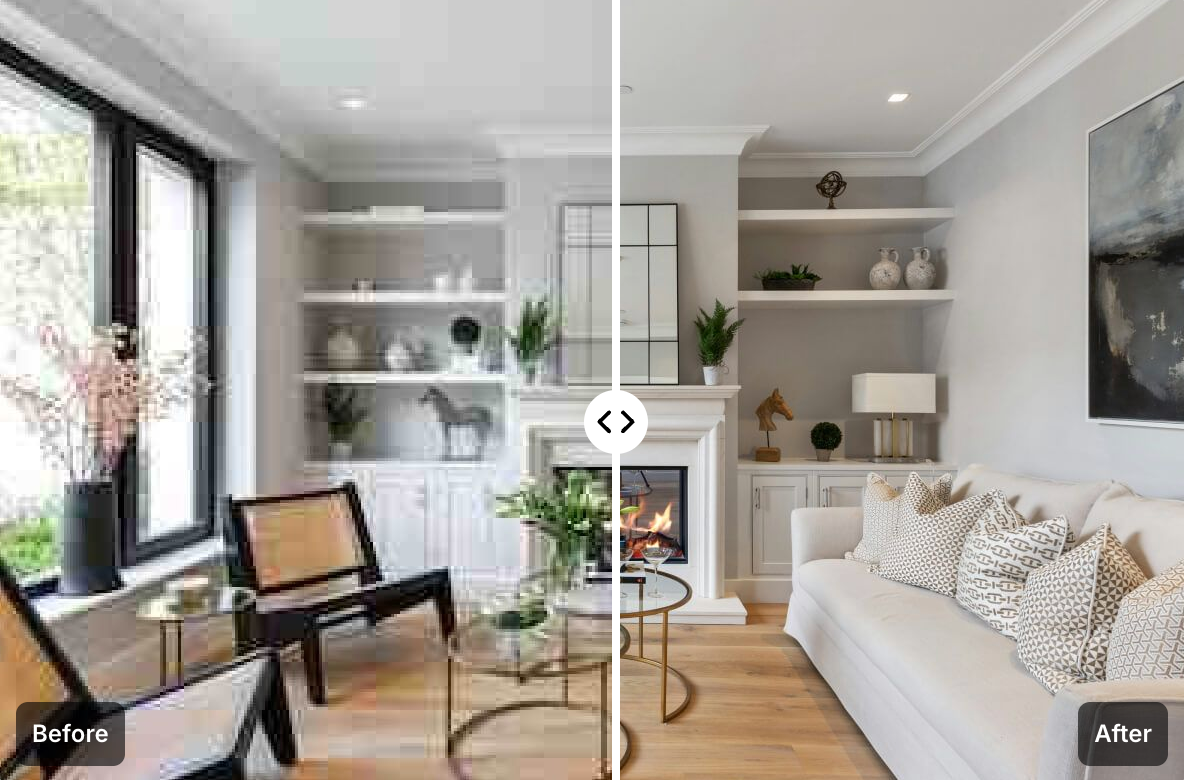
Upload a low-resolution image, let AI enhance detail, then download the clearer result.
Upload a low-resolution, blurry or compressed image that needs better clarity.
AI improves edges, texture and visible detail to create a clearer result.
Check sharpness, detail and usable resolution before downloading.
Save the enhanced image or continue editing it for color, layout and design work.
Use this page when the main issue is blur, small size, compression or insufficient resolution.
Check out honest reviews from customers who have used the image upscale program.
Really useful for improving product photo quality. Low-resolution images are converted to high quality in just seconds, greatly reducing work time.
The feature that makes blurry images sharp is amazing. I'm satisfied that I can get high-quality results without professional software.
It's really amazing that you can use it for free with this quality. It's convenient that you can use it right away without registration.
I need to upscale a large number of product images, and this tool has saved me a lot of time. The quality is also very satisfying.
Quality improvement is essential when creating images for Instagram posts, and this tool is really fast and accurate. Being free is also a big advantage.
The AI technology that enlarges images without quality loss is amazing. It's comparable to professional software.
Questions about image upscaling, clarity enhancement, blurry photos and suitable source images.
Next step
After this task, move naturally into cleanup, enhancement or a new AI image generation workflow.
Upscale small photos, compressed images and product thumbnails so they work better for web, slides and design layouts.
No signup required. Free daily use available.