

Product photos
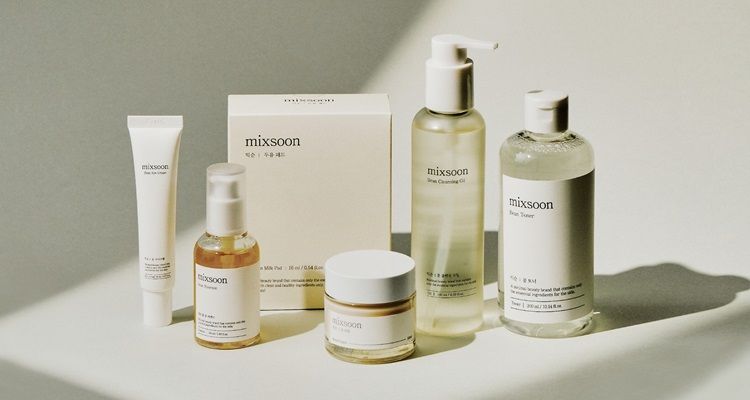
Separate products for store pages, marketplaces and ad creatives.

transparent PNG cutout
Upload an image to remove the background and create a transparent cutout for products, portraits or logos.
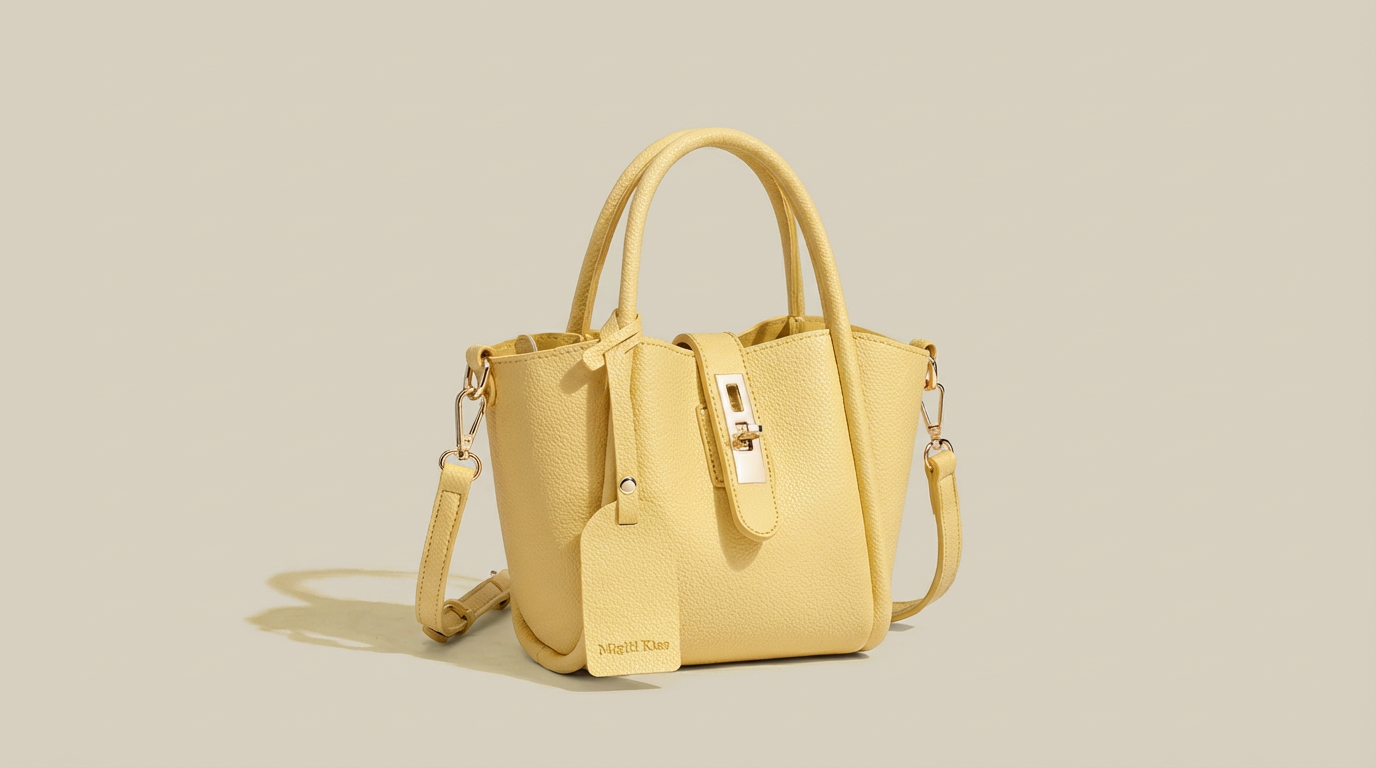
Before and after
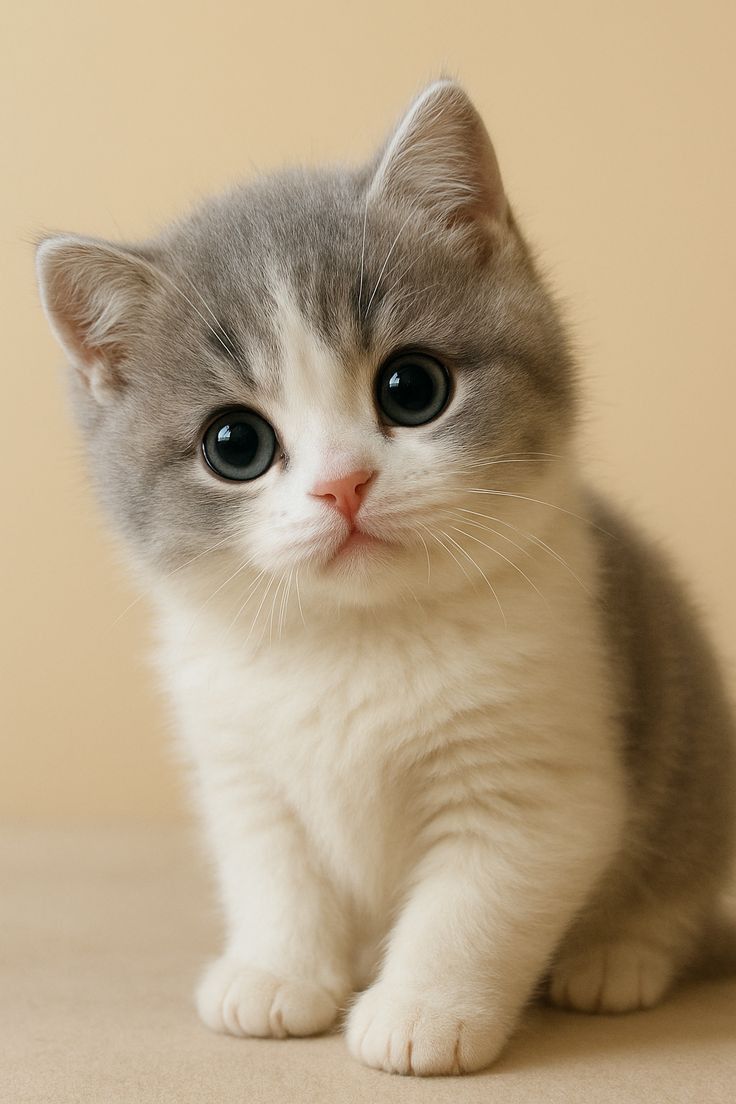
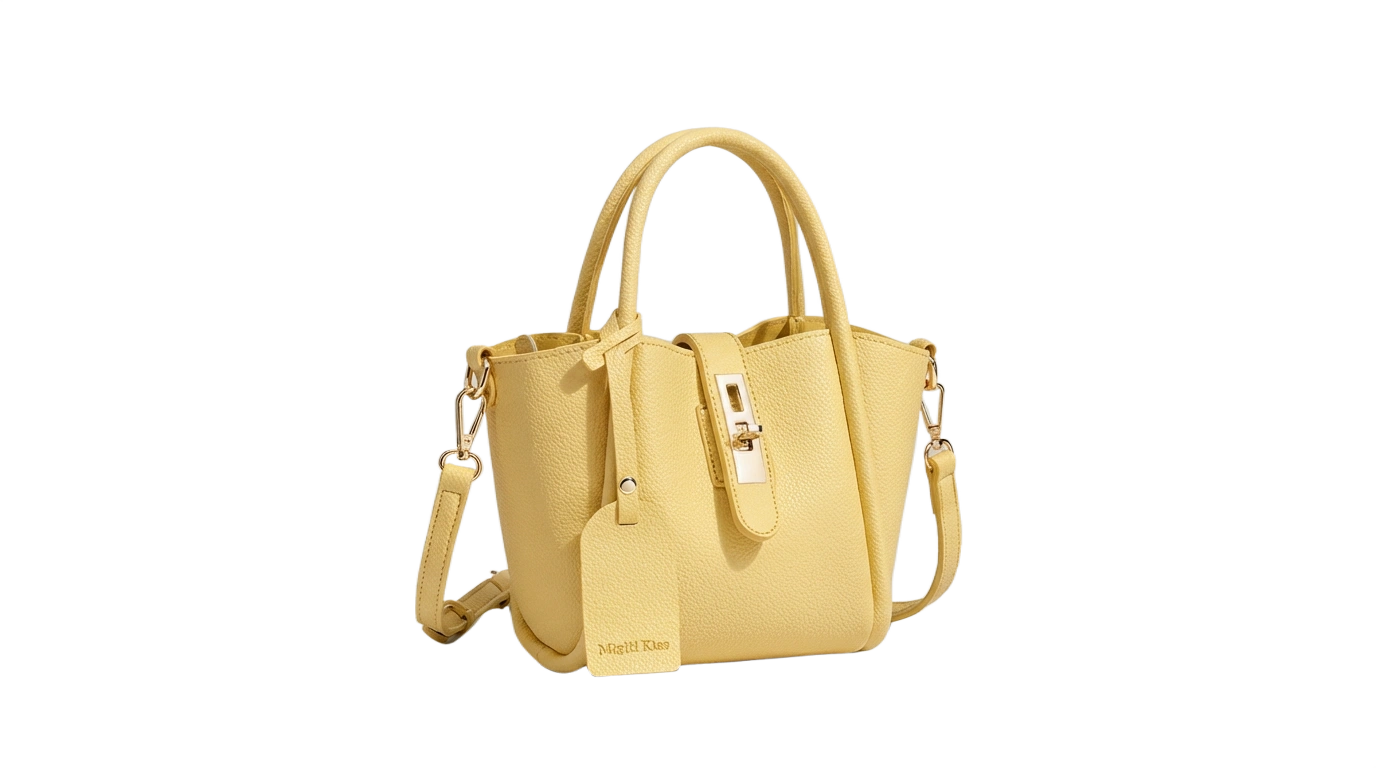
Preview how portraits, products and logos turn into clean transparent-background assets.
 Before
 After
AfterClean transparent cutout
Remove the original scene and isolate the subject for store listings, thumbnails, ads and design layouts.
Product photos
Separate products for store pages, marketplaces and ad creatives.
Portraits and profiles
Clean up profile images, thumbnails and presentation visuals.
Logos and graphics
Create reusable transparent assets for design tools.
Focused on background removal, subject separation, edge handling and transparent PNG output.
Use this workflow when you need a foreground mask, alpha channel, checkerboard preview, white-background product cutout, marketplace listing image, profile portrait, logo extraction, or compositing asset.
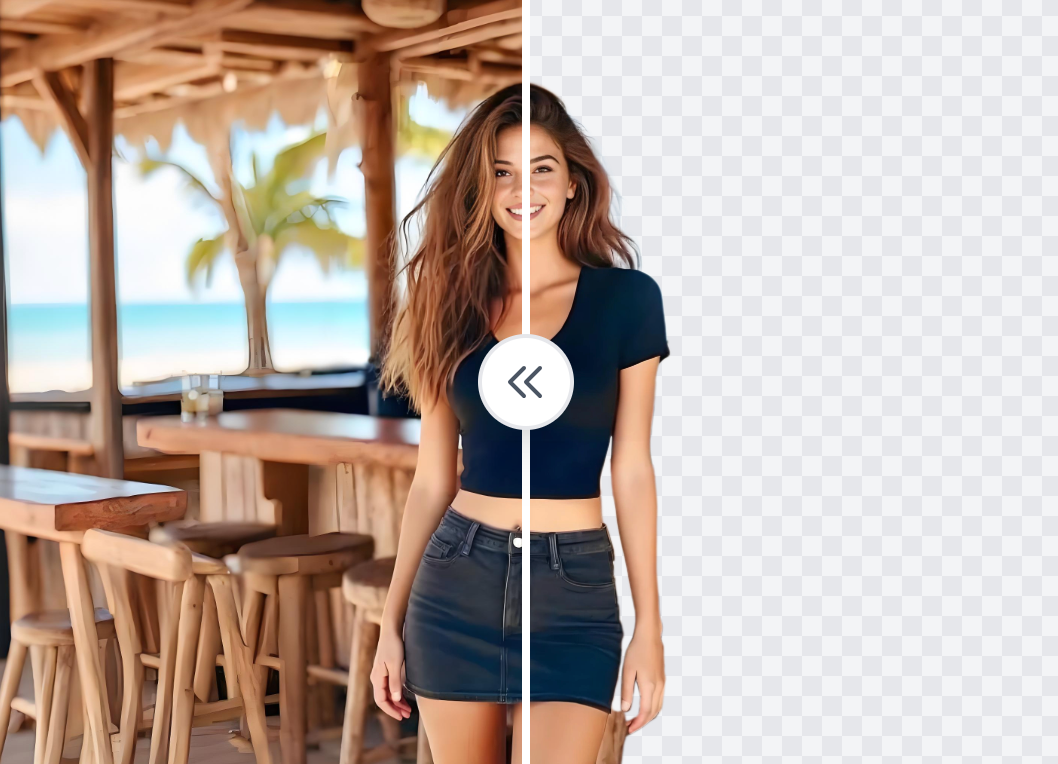
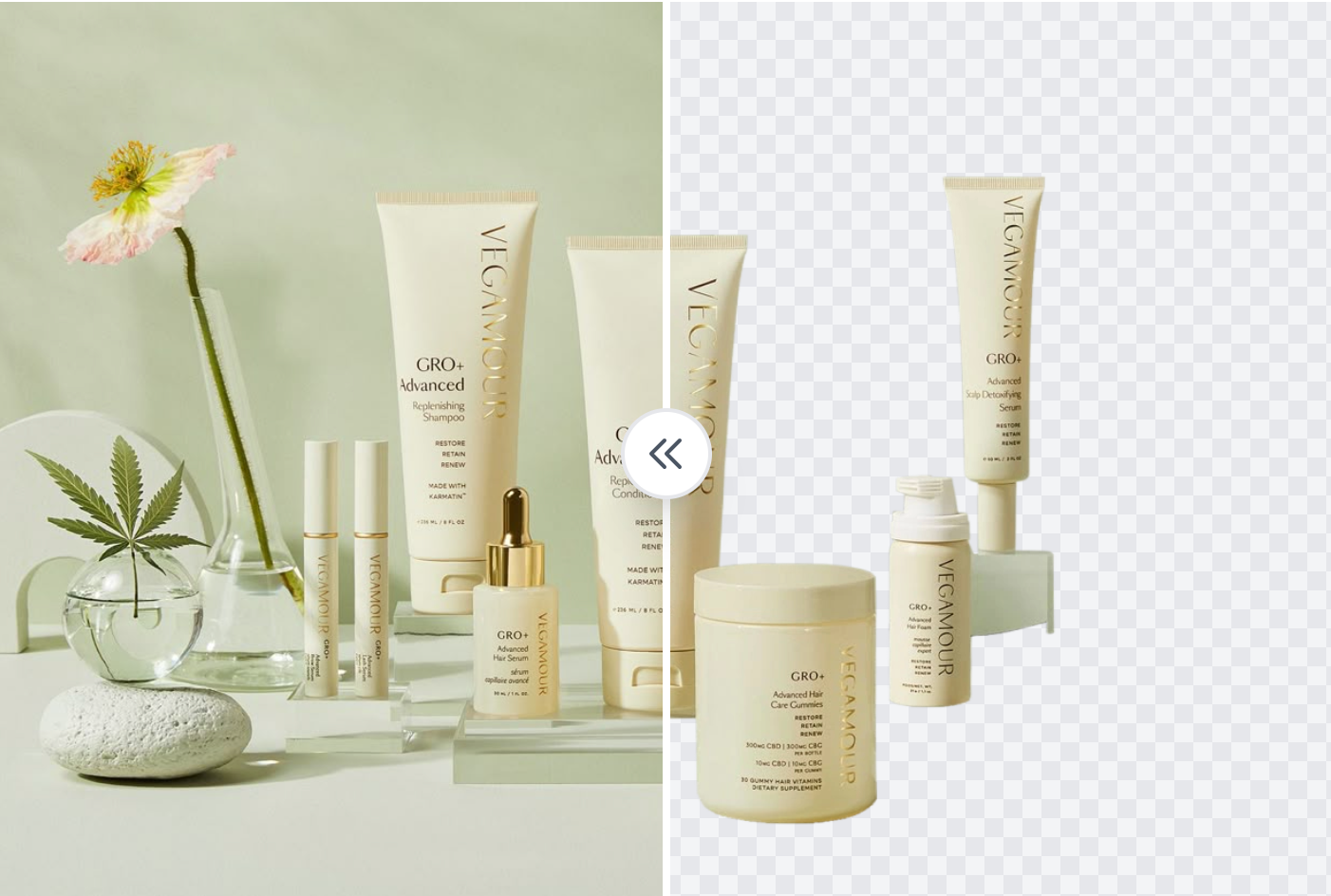
The background remover is about matting quality: hair strands, fur, fabric edges, product silhouettes, transparent objects, and small holes inside the subject are the details that matter most.
Download a transparent PNG for Canva, Photoshop, slides, ad banners, thumbnails, store catalogs, and hero graphics without repainting the background manually.
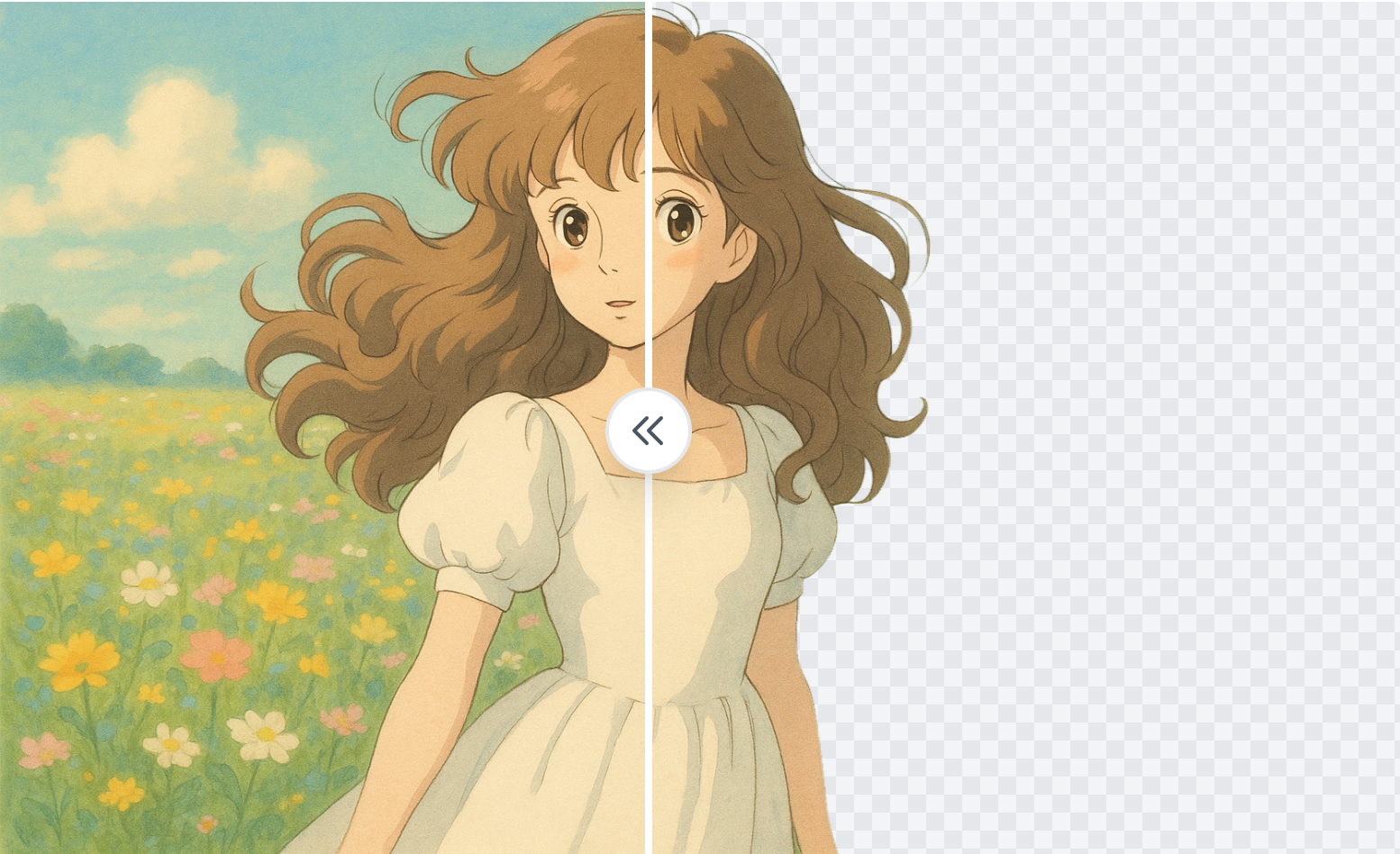
Upload an image, let AI isolate the subject, then download a transparent-background result.
remove backgrounds from portraits, product photos, pets and logos; best when the subject needs to be isolated from the original background.
Upload a photo to remove backgrounds from portraits, product photos, pets and logos. The tool is designed for cutouts, clean edges, hair or product outlines and transparent-background PNG files, not for increasing image resolution.
Create a reusable transparent-background asset for e-commerce, profiles, posters, presentations and social media designs.
Download the result or send it to the image editor for background, color or layout changes.
Choose this page when the main issue is a messy background or the need for a transparent PNG cutout.
Check out honest reviews from customers who have used the background remover.
Really useful for removing backgrounds from product photos. The background is removed cleanly in just seconds, greatly reducing work time.
It's amazing how accurately it processes even the hair strands in portrait photos. I'm satisfied that I can get high-quality results without professional software.
It's really amazing that you can use it for free with this quality. It's convenient that you can use it right away without registration.
I need to process a large number of product images, and this tool has saved me a lot of time. The quality is also very satisfying.
Background removal is essential when creating images for Instagram posts, and this tool is really fast and accurate. Being free is also a big advantage.
The AI technology that accurately processes complex hair strands and translucent objects is amazing. It's comparable to professional software.
Questions about subject cutout, transparent PNG export and suitable image types.
Next step
After this task, move naturally into cleanup, enhancement or a new AI image generation workflow.
Create a reusable transparent-background asset for e-commerce, profiles, posters, presentations and social media designs.
No signup required. Free daily use available.